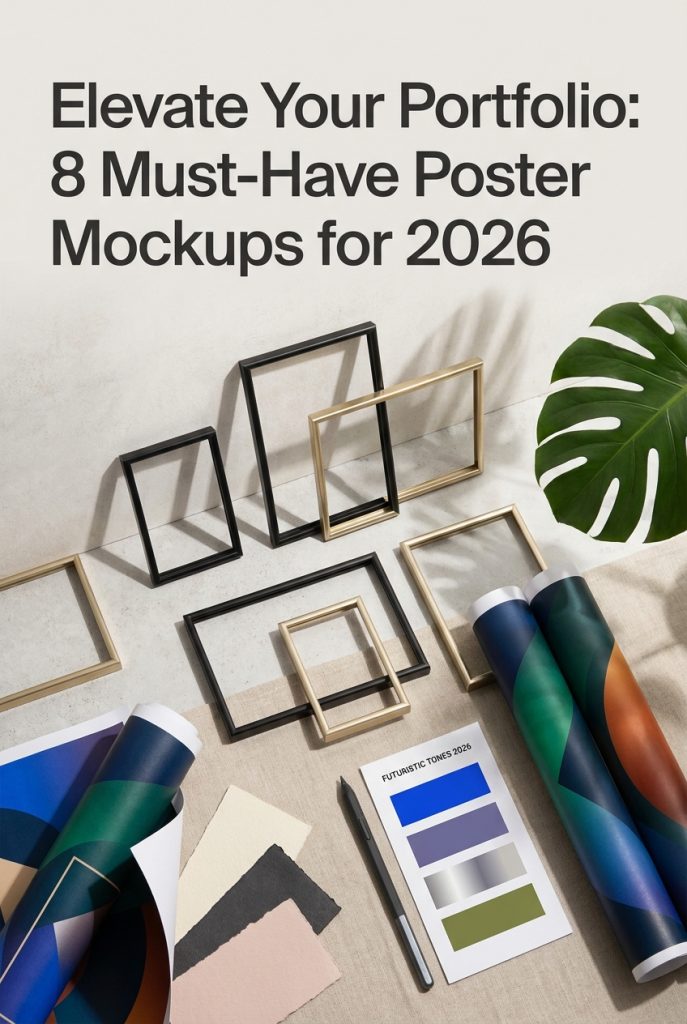
In the hyper-visual landscape of 2026, presentation is everything. A brilliant poster design can fall flat without the right context, which is why professional mockups are no longer a luxury but a necessity for designers and crafters. They bridge the gap between digital file and real-world impact. This year’s trends favor authenticity and diverse settings, from clean minimalist interiors to dynamic urban environments. We’ve scoured the web to find the 8 most popular and versatile poster mockups that will make your artwork look stunning, professional, and absolutely convincing in any portfolio or client presentation.
Top Collection Picks (2026 Edition)
1. Creative Colorful Frame Poster Mockups (by LuuqasDesign)
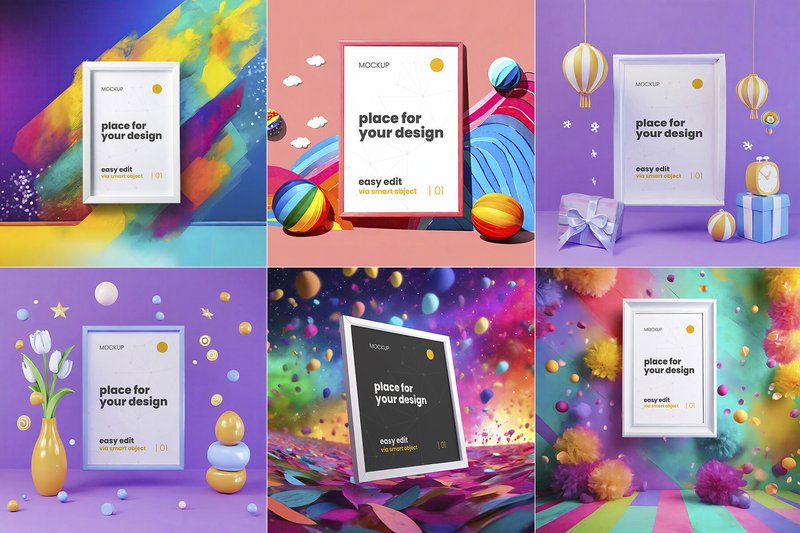
Creative Colorful Frame Poster Mockups (by LuuqasDesign) Gone are the days of sterile, white-walled mockups that do little to enhance your work. This vibrant collection from LuuqasDesign injects a dose of pure energy and personality into your presentations. Each of the 18 scenes is a masterclass in color theory and composition, creating playful, contemporary environments that make your poster designs feel less like static prints and more like curated art pieces. The thoughtful use of saturated hues, minimalist furniture, and soft lighting provides a context that is both aspirational and deeply creative, ensuring your artwork doesn’t just get seen—it gets felt.
Features:
- A versatile collection of 18 distinct, high-energy scenes.
- Effortless editing via well-organized Photoshop smart object layers.
- Crisp, high-resolution 4000x4000px files perfect for digital showcases.
- Bold and dynamic color palettes that make your artwork pop.
Best for:
- Graphic designers and illustrators with a bold, colorful portfolio.
- Creating eye-catching social media visuals for brands and artists.
- Presenting poster designs, art prints, and photography in a fresh, modern context.
- Branding projects for youthful, creative, or avant-garde clients.
2. Poster Mockups (by Black Bird Studio)
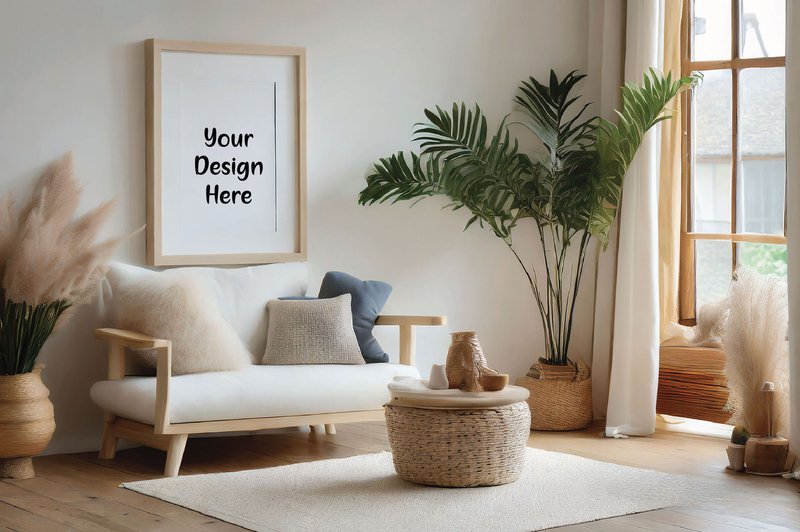
Poster Mockups (by Black Bird Studio) exudes a grounded, minimalist aesthetic that feels both authentic and modern. This collection strips away the unnecessary, offering a clean, naturally lit scene that allows your artwork to take center stage. The simplicity of the empty frame provides a versatile canvas, perfect for showcasing typography, illustrations, or photography without the distraction of an overly styled environment. It’s the digital equivalent of a quiet, sunlit gallery wall, designed for artists who value subtlety and clarity in their presentation.
Features:
- High-resolution JPG file for crisp, professional results.
- Delivered as a clean, watermark-free digital download for immediate use.
- Designed for simple drag-and-drop customization in Photoshop, Gimp, and other graphic design software.
- Features a single, beautifully composed scene with soft, natural lighting.
Best for:
- Digital artists and illustrators building a cohesive, understated online portfolio.
- Etsy sellers and print shop owners who need realistic product photos that don’t overwhelm the art.
- Graphic designers presenting poster concepts or branding projects to clients in a clean context.
- Creating polished promotional content for social media and design-focused newsletters.
3. Frame Poster Mockups in the Forest (by LuuqasDesign)
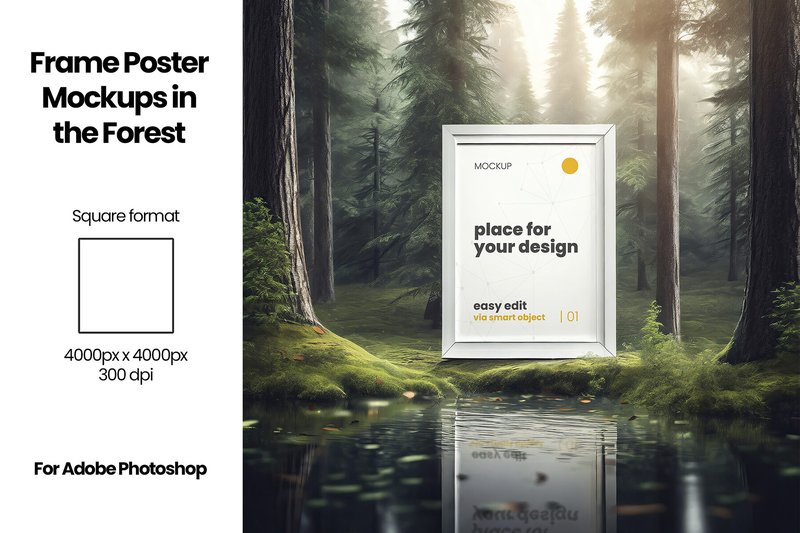
Frame Poster Mockups in the Forest (by LuuqasDesign) evokes a sense of quiet magic, pulling your digital creations from the screen and placing them into a serene, sun-dappled woodland. This collection masterfully blends the clean lines of a gallery frame with the untamed beauty of nature, offering a refreshingly organic way to present your work. Instead of a sterile studio environment, your posters, photographs, and illustrations feel grounded and tangible, as if discovered on a hidden forest path. It’s an ideal choice for designers who want to imbue their presentations with a narrative of tranquility, artistry, and connection to the natural world.
Features:
- Nine distinct, atmospheric scenes that place your work in a natural woodland setting.
- Simple drag-and-drop customization via Photoshop smart objects for a fast and intuitive workflow.
- High-resolution 4000×4000 pixel files that deliver sharp, professional-quality results for web and print.
Best for:
- Artists and illustrators showcasing nature-inspired prints, posters, and photography.
- Branding presentations for eco-friendly, wellness, or artisanal brands seeking an authentic aesthetic.
- Creating compelling and unique content for social media feeds, blogs, and online shops.
4. Flower and Plants Frames Poster Mockups (by LuuqasDesign)
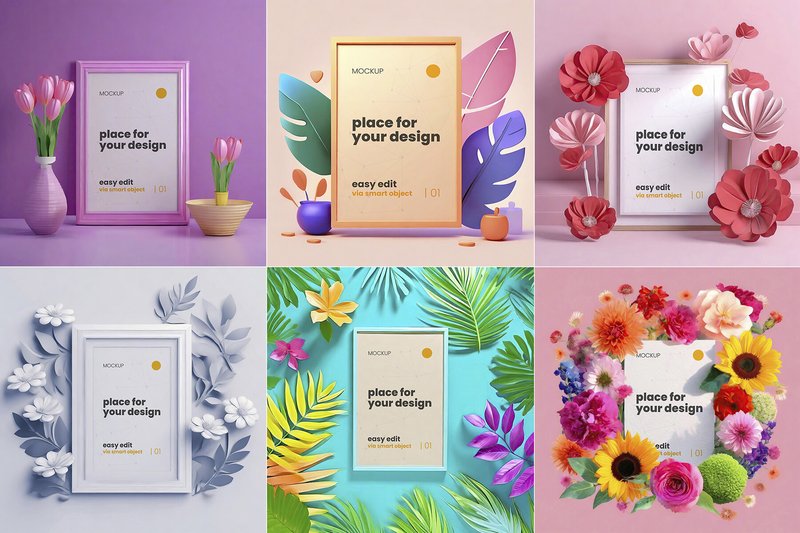
Flower and Plants Frames Poster Mockups (by LuuqasDesign) excels where so many mockups fall flat, transforming simple presentations into authentic, styled photoshoots. LuuqasDesign has curated a collection that moves beyond sterile studio backdrops, placing your artwork in lush, vibrant settings that feel alive. Each of the 15 scenes is thoughtfully composed with a variety of colorful flowers and elegant plants, creating a natural, organic frame for your posters, illustrations, or photography. This approach results in a presentation that is both professional and deeply personal, infusing your work with a breath of fresh air that standard mockups simply cannot replicate.
Features:
- 15 unique and high-resolution botanical scenes
- Crisp 4000×4000 pixel resolution (300 dpi) for sharp, professional results
- Effortless customization with well-organized layers and Photoshop Smart Objects
- A diverse mix of floral arrangements and frame styles to suit various artistic moods
Best for:
- Illustrators and artists wanting to showcase their prints in a warm, inviting context
- Branding projects for eco-conscious, wellness, or lifestyle brands
- Creating stunning, eye-catching content for Instagram, Pinterest, and Etsy shop listings
- Photographers looking to display portrait or fine art prints with a soft, natural aesthetic
5. Free Poster Mockups (by Black Bird Studio)
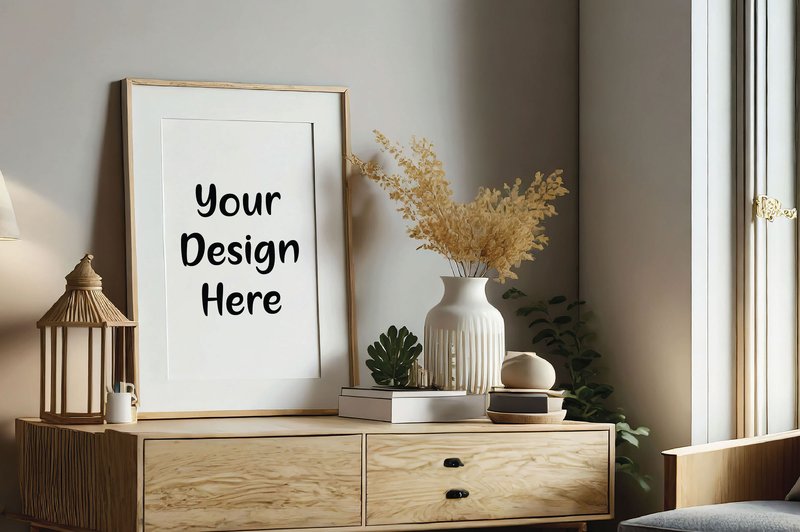
Free Poster Mockups (by Black Bird Studio) If you are looking for a mockup that grounds your digital art in a tangible, real-world setting, this collection is your answer. Black Bird Studio provides a beautifully simple and authentic scene featuring a clean, minimalist frame against a neutral backdrop. This setup delivers a timeless and professional context, allowing your artwork to command full attention without the distraction of an overly complex environment. It’s the perfect digital shortcut to a high-end, gallery-style presentation.
Features:
- High-resolution JPG file for crisp, detailed presentations.
- Instant download for immediate project integration.
- Clean, unbranded image with no watermarks or logos.
- Simple drag-and-drop usability with major graphic design software.
Best for:
- Digital artists and illustrators building a polished online portfolio.
- Etsy sellers and print shop owners showcasing product listings.
- Graphic designers presenting final poster concepts to clients.
- Creating clean, sophisticated content for social media feeds.
6. Three Poster Mockups (by Lumina Art)
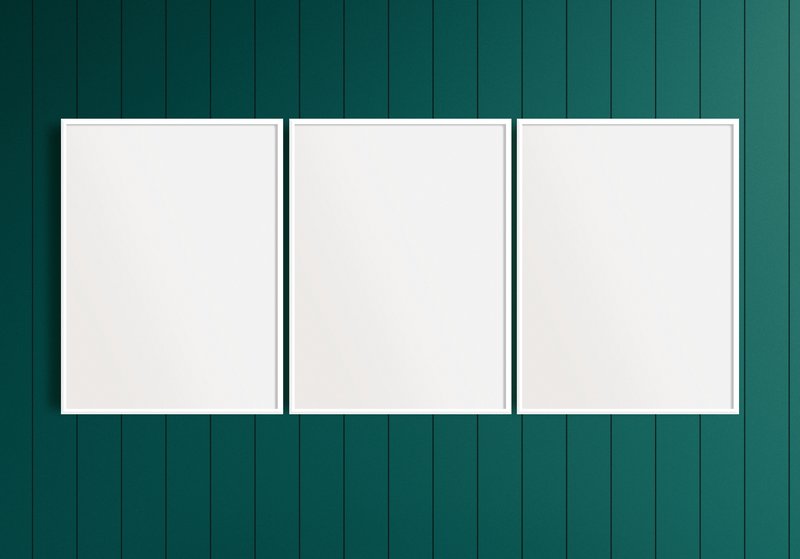
Three Poster Mockups (by Lumina Art) Digital artists and print shop owners looking for a touch of organic warmth will find their perfect match in this set. Lumina Art delivers a trio of scenes that ground your work in a cozy, minimalist interior, complete with natural wood tones and soft, ambient lighting. These mockups don’t just display your art; they place it within a lived-in, aspirational space, making it easy for customers to envision your posters hanging on their own walls. It’s the ideal solution for adding a layer of authentic, tactile style to any modern digital presentation.
Features:
- Crisp 300 DPI resolution ensures every detail of your artwork is sharp and clear.
- Effortless editing via Smart Objects in the provided PSD files, with PNGs included for extra flexibility.
- Designed in a versatile 3:4 aspect ratio, ideal for many standard poster and print sizes.
Best for:
- Showcasing digital prints and wall art on e-commerce platforms like Etsy.
- Building a cohesive and professional portfolio for illustrators and graphic designers.
- Creating sophisticated marketing visuals for social media and brand presentations.
- Presenting final designs to clients in a realistic, warm, and inviting context.
7. Bathroom Poster Mockups (by LuuqasDesign)
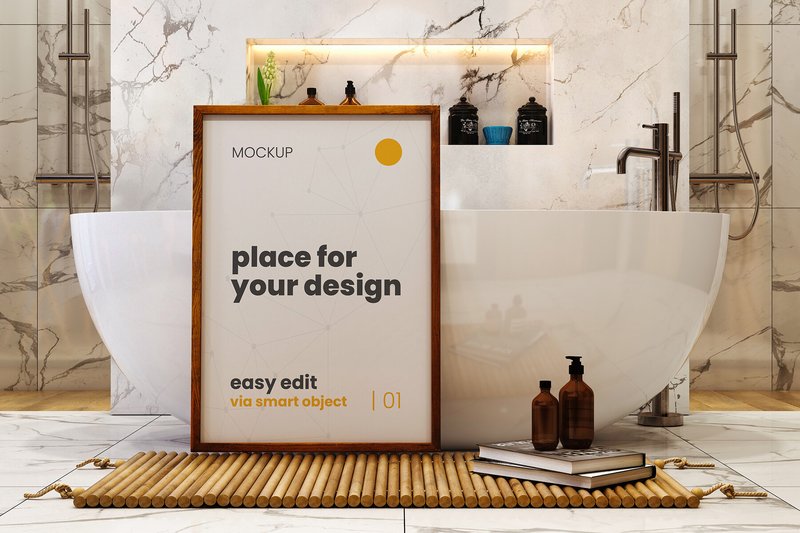
Bathroom Poster Mockups (by LuuqasDesign) Chic and refreshingly unconventional, this collection moves your poster designs from the sterile gallery wall into intimate, photorealistic bathroom settings. It’s a brilliant way to contextualize artwork, making it feel personal, aspirational, and part of a curated lifestyle. LuuqasDesign provides a set of beautifully lit and styled scenes—from minimalist modern to subtly rustic—that give your typographic prints, illustrations, or brand messaging a grounded and authentic vibe that instantly connects with viewers.
Features:
- A versatile selection of 12 distinct, high-quality scenes.
- High-resolution (3000×4500) files ensure sharp, photorealistic detail.
- Effortless drag-and-drop integration via Smart Objects.
- Neatly organized layers for simple and intuitive customization.
Best for:
- Showcasing art prints and illustrations in a relatable home environment.
- Creating lookbook imagery for wellness, beauty, or home decor brands.
- Displaying typographic posters and motivational quotes with personality.
- Adding a unique and contextual touch to a creative portfolio.
8. Bar Poster Mockups (by LuuqasDesign)
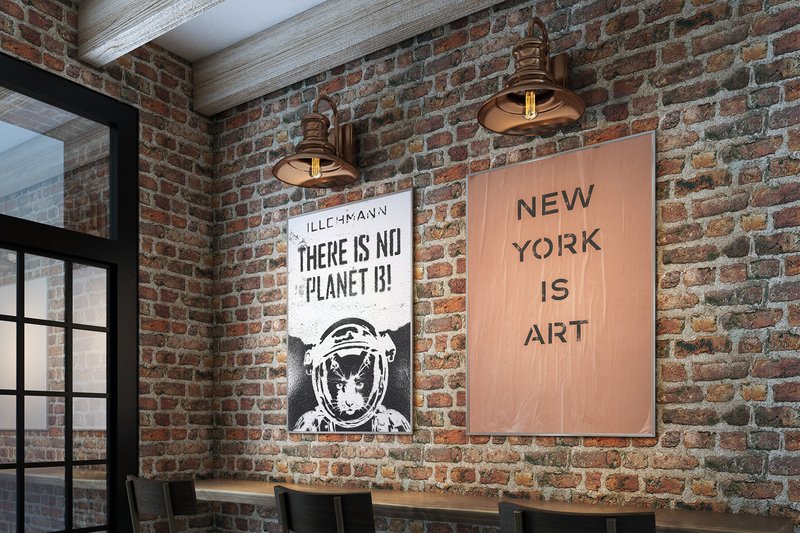
Bar Poster Mockups (by LuuqasDesign) With its deep, ambient lighting and authentic textures, this collection instantly places your artwork into a tangible, atmospheric setting. The subtle reflections, the warm grain of wood, and the moody shadows create a photorealistic backdrop that feels both intimate and effortlessly cool. LuuqasDesign masterfully provides a stage where your posters aren’t just displayed; they become part of a story, perfectly suited for designs that need to convey a sense of character and place. The intuitive smart object integration makes it incredibly simple to drop in your work and achieve a professional, client-ready presentation in moments.
Features:
- Six high-resolution, photorealistic templates
- Effortless editing via Smart Objects for quick poster replacement
- Crisp 3000×2000 resolution ensures every detail is sharp
- Well-organized layers for intuitive customization
Best for:
- Showcasing branding for breweries, coffee shops, and restaurants
- Promoting gig posters, events, and special announcements
- Creating an authentic, urban vibe for typographic and illustrative art prints
- Adding a dose of realism to portfolio presentations
Pro Tip: Match the Mockup to Your Message
A mockup isn’t just a frame; it’s a storyteller. The environment you place your poster in should complement its message, not distract from it. Before choosing a mockup, ask yourself: What is the story behind this design? A bold, brutalist poster might feel out of place in a soft, Scandinavian interior, but it would look powerful in an urban, concrete-heavy setting. Conversely, a delicate botanical print shines in a naturally lit, minimalist room. Aligning the mockup’s aesthetic with the design’s intent creates a cohesive and more convincing presentation.
Technical Deep Dive: Mastering Photoshop’s Smart Objects
Nearly all professional mockups use Photoshop’s Smart Objects, and understanding them is non-negotiable. A Smart Object is a container that holds your design and automatically applies all the necessary effects (like perspective, warping, lighting, and textures) from the main mockup file. Here’s the simple workflow:
- Locate the Layer: Find the layer typically named “Your Design Here,” “Place Artwork,” or something similar. It’s often marked with a specific color.
- Double-Click to Open: Double-click on the layer’s thumbnail icon (not the layer name). This will open your design file in a new tab (.psb).
- Place and Save: Drag and drop or paste your flat poster design into this new tab. Resize it to fit the canvas, then press Ctrl/Cmd + S to save. Do not “Save As.”
- Witness the Magic: Close the Smart Object tab and return to the main mockup file. Your design will now be perfectly integrated into the scene.
Realism is Key: Fine-Tuning Light and Texture
A great mockup becomes invisible, making your design look like it was genuinely photographed in that space. To achieve this, go beyond simply placing your art. Most high-quality mockups include adjustment layers you can tweak for ultimate realism. Look for folders containing:
- Shadows & Highlights: Adjust the opacity of these layers to match the light source in your design. If your poster is dark, the shadows cast on it should be less intense.
- Texture Overlays: Many mockups include subtle paper or grain textures. If your design is very clean, you might lower the texture’s opacity. For a vintage poster, you might even increase it.
- Color Correction: Use a Photo Filter or Color Balance adjustment layer (clipped to your Smart Object) to subtly tint your design to match the ambient light of the room (e.g., a warmer tone for a sunlit room, a cooler tone for an office space).
Beyond the Portfolio: More Ways to Use Your Mockups
While mockups are essential for portfolios and client presentations, their utility doesn’t end there. Think of them as versatile marketing assets that can elevate your brand across multiple channels. Consider these scenarios:
- E-commerce Listings: If you sell prints on platforms like Etsy, Society6, or your own website, mockups are your product photos. They help customers visualize the art in their own homes, which is a powerful sales driver.
- Social Media Content: A flat JPG of your poster is good, but a beautiful mockup is great. Use them to announce new work on Instagram, Pinterest, or Behance for a more professional and engaging post.
- Promotional Materials: Feature your mocked-up posters in email newsletters, website banners, and digital ads to create a polished and compelling call to action.
👀 Didn’t find what you were looking for?
There are hundreds more cool options in the full collection for your project.
Conclusion
And that’s a wrap on our top poster mockups for 2026! Using a high-quality mockup is a simple, effective way to showcase the true potential of your designs. It adds a layer of professionalism that clients and customers notice. Grab one of these assets and watch your creative work come to life.