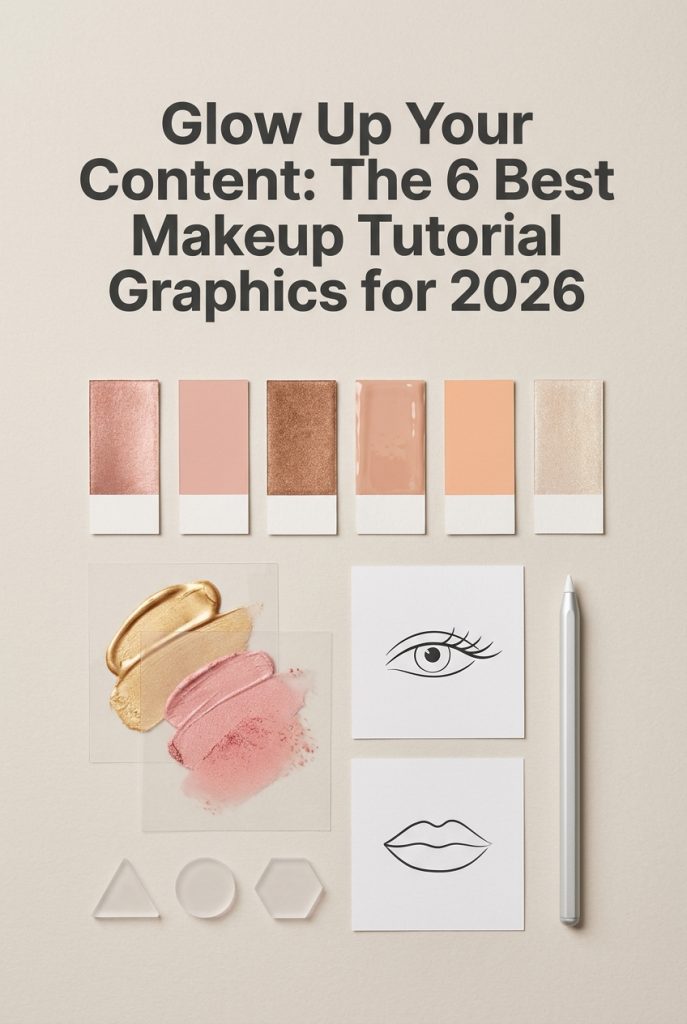
In the ever-evolving digital beauty world, captivating visuals are non-negotiable. As we head into 2026, the demand for high-quality, engaging content for makeup tutorials is skyrocketing. Designers and DIY beauty gurus need assets that are not only beautiful but also functional and on-trend. This year is all about clean aesthetics, customizable elements, and professional illustrations that help explain complex techniques simply. We’ve scoured the market to bring you the six most popular graphic packs that beauty content creators are loving right now, perfect for elevating your blog, social media, or YouTube channel with a polished, modern look.
Top Collection Picks (2026 Edition)
1. Beauty Blogger Recording Makeup Tutorial (by 2qnah)
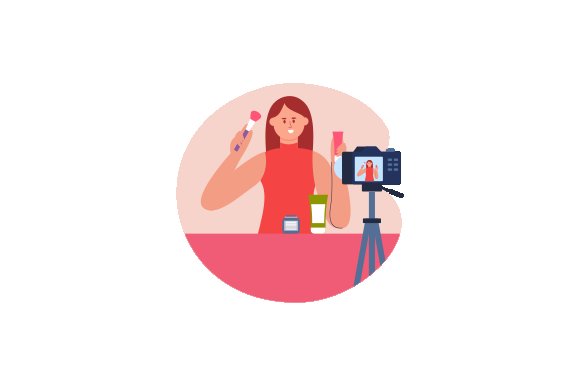
Beauty Blogger Recording Makeup Tutorial (by 2qnah) If you are looking for an illustration that instantly communicates the world of modern beauty vlogging, this is your perfect match. With its warm color palette and relatable scene of a creator in action, this graphic offers a polished yet authentic look that feels both professional and personal. It’s an ideal visual shorthand for anyone in the digital beauty space, effortlessly setting a friendly and aspirational tone for your content.
Features:
- Fully editable vector (EPS) format allows for complete customization of colors and scale.
- Includes high-resolution, ready-to-use PNG and JPG files for quick implementation.
- Features a clean, contemporary illustration style that resonates with a modern audience.
- A warm and engaging color palette that highlights a welcoming, creative atmosphere.
Best for:
- Creating branded assets for YouTube channels, including banners, thumbnails, and intro cards.
- Designing eye-catching hero images and promotional graphics for beauty-focused websites and blogs.
- Enhancing social media content, such as Instagram posts, stories, and Pinterest graphics.
- Serving as a charming logo or spot illustration for makeup artists and beauty influencers.
2. Makeup and Beauty YouTube Thumbnails DIY (by graphicriverart)
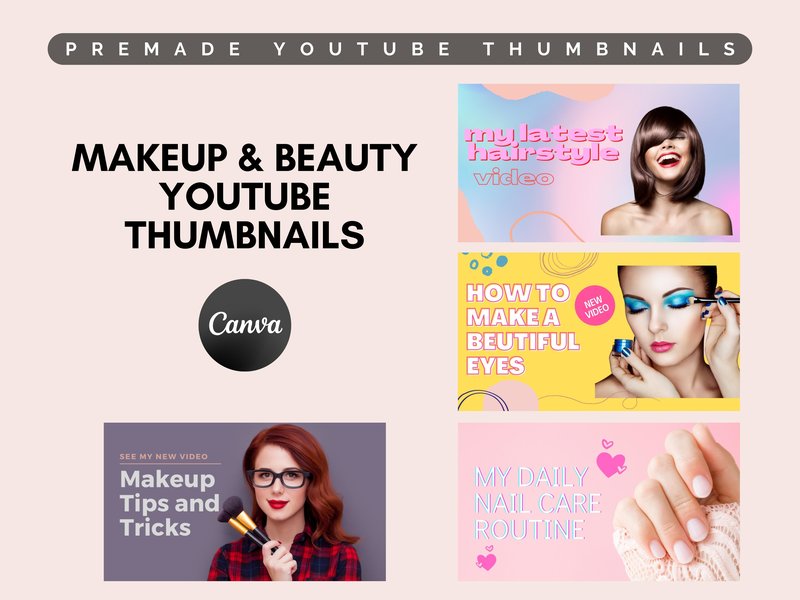
Makeup and Beauty YouTube Thumbnails DIY (by graphicriverart) Radiates a clean, polished energy perfect for the modern beauty creator. This collection of 20 Canva templates masterfully blends soft, inviting color palettes with bold, clear typography, delivering an instantly professional and click-worthy look. It’s a beautifully streamlined solution for creators who want to establish a cohesive, high-end channel aesthetic with the effortless drag-and-drop simplicity of Canva, ensuring every video premiere looks as flawless as the tutorials within.
Features:
- 20 fully editable templates designed exclusively for the free tool, Canva.
- Well-organized layers for simple drag-and-drop customization.
- A versatile range of themes covering makeup, hair, skincare, and nails.
- Optimized 1280×720 resolution for a crisp, professional look on YouTube.
Best for:
- Beauty vloggers aiming to establish a clean, consistent, and professional channel aesthetic.
- Creators who value speed and efficiency, using Canva’s simple interface to produce thumbnails in minutes.
- Content covering a wide array of beauty topics, from detailed makeup tutorials to hair styling and skincare routines.
3. Beauty Blogger Recording Makeup Tutorial (by DEEMKA STUDIO)

Beauty Blogger Recording Makeup Tutorial (by DEEMKA STUDIO) channels a distinctly modern, flat-illustration aesthetic that feels both professional and approachable. This graphic perfectly visualizes the current creator economy, offering a clean, friendly, and relatable scene that instantly connects with a beauty-focused audience. Its soft color palette and streamlined character design make it a versatile asset for brands that want to appear polished, fresh, and in-the-know without feeling sterile.
Features:
- Clean, contemporary vector illustration style
- Includes high-resolution PNG, JPG, and scalable EPS files
- Warm, inviting color palette suitable for the beauty niche
- Simple, easy-to-implement design for quick use
Best for:
- Branding elements for beauty vlogs and influencer media kits
- Website banners and hero images for makeup artist portfolios
- Social media post backgrounds for Instagram and Pinterest
- Thumbnails and channel art for YouTube tutorials
4. Makeup Tutorials for Mature Skin Planner (by Graphic_hero)
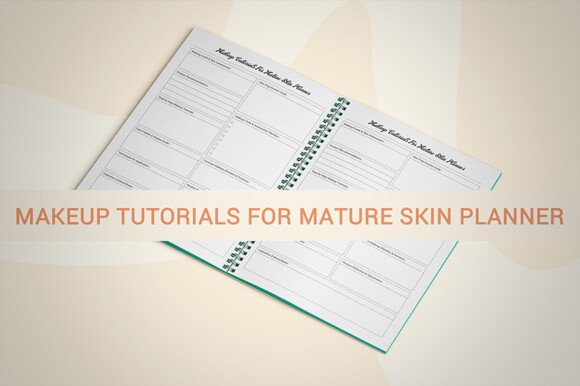
Makeup Tutorials for Mature Skin Planner (by Graphic_hero) KDP publishers and beauty content creators focusing on the over-40 demographic will find this planner an absolute game-changer. Graphic_hero delivers a meticulously organized and elegantly designed interior that moves beyond generic templates, offering a sophisticated framework for planning and documenting makeup looks tailored to mature skin. The clean, minimalist aesthetic feels both modern and accessible, providing a professional-grade canvas that’s ready for immediate use or full customization. It’s a thoughtful and highly practical tool designed to streamline content creation and empower a specific, often-underserved market.
Features:
- Includes 109 KDP-ready pages for fast and easy publishing
- Fully editable source files (AI, PPTX) allow for complete brand customization
- High-resolution (300 DPI) design ensures a crisp, professional print finish
- Spacious 8.5 x 11-inch layout provides ample room for notes and planning
Best for:
- Publishing unique low-content books and logbooks on Amazon KDP
- Designing custom client planners for makeup artists and beauty consultants
- Creating printable lead magnets for beauty blogs and social media channels
- Organizing personal makeup routines and tracking product performance
5. Makeup Ritual Vector Illustration (by DesignVectx)
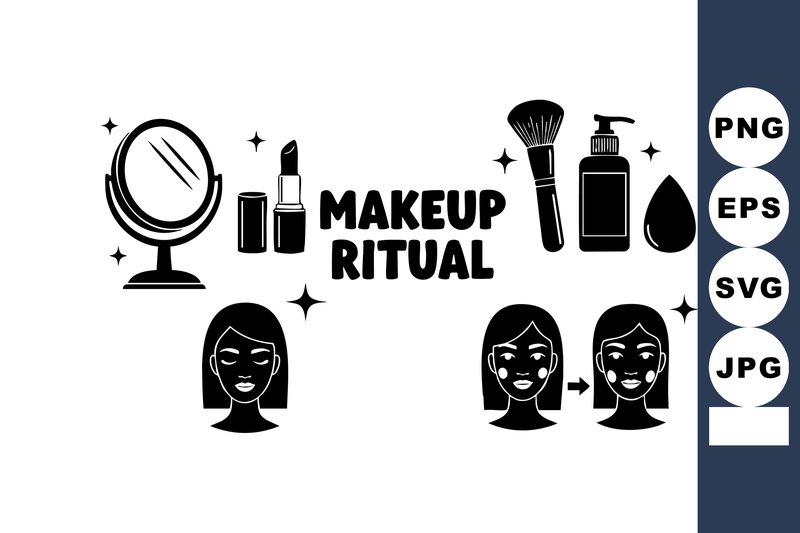
Makeup Ritual Vector Illustration (by DesignVectx) is a masterclass in minimalist visual storytelling, presenting the steps of a beauty routine through a series of clean, elegantly crafted line icons. The black and white palette imparts a timeless and sophisticated feel, while the simple iconography—featuring lipstick, a mirror, a brush, and cleanser—makes the sequence instantly understandable and universally appealing. This vector set exudes a sense of calm and clarity, making it an ideal visual aid for content that aims to simplify and elevate the concept of a daily beauty ritual.
Features:
- A clean, minimalist aesthetic with refined line art.
- Sequential icons designed to illustrate a step-by-step process.
- A chic and versatile black and white color scheme.
- Includes scalable SVG and EPS files for maximum quality and flexibility.
Best for:
- Skincare and makeup tutorial infographics and blog posts.
- Branding materials for high-end, minimalist beauty brands or spas.
- Packaging and instructional inserts for cosmetic products.
- Creating elegant highlight covers or icons for social media channels.
6. Makeup Social Media Graphics Pack (by Web Donut)
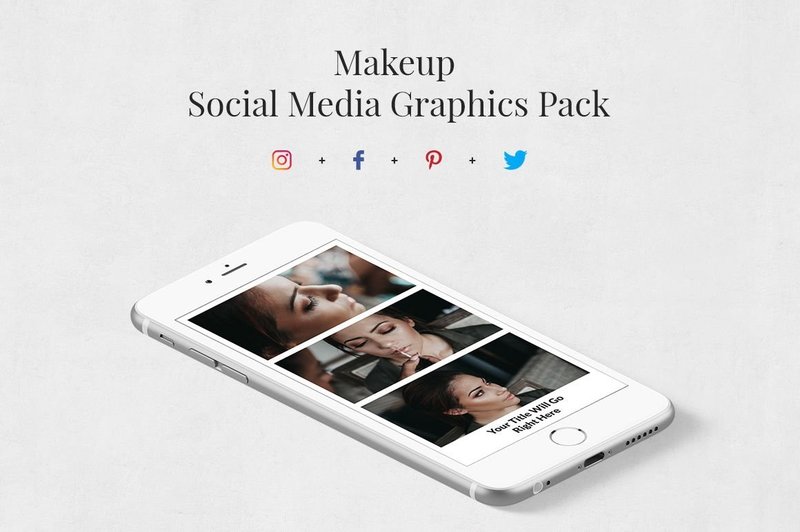
Makeup Social Media Graphics Pack (by Web Donut) feels less like a set of templates and more like a calligrapher’s guide, providing a beautiful structure that encourages your own unique flourish. Each of the 120 layouts balances clean, modern typography with soft, artistic elements, giving your content a polished yet personal signature. It’s the digital equivalent of a hand-lettered note in a world of printed text—instantly creating a sense of intimacy and high-end appeal that stops the scroll and invites your audience in for a closer look.
Features:
- A comprehensive collection of 120 versatile and fully customizable Photoshop templates.
- Includes a complete set of free Google Fonts and high-quality CC0 images to get you started immediately.
- A full series of video tutorials is provided, making it accessible even for absolute Photoshop beginners.
Best for:
- Beauty influencers and makeup artists aiming to establish a chic and cohesive brand aesthetic.
- Cosmetic brands looking to create stunning promotional content and engaging ad campaigns.
- Social media managers who need a versatile, high-quality toolkit to streamline content creation for clients in the beauty space.
Pro Tip: Mastering Color & Font Harmony
The best graphics support your content, not overpower it. When customizing your new assets, create a cohesive visual story with strategic color and font choices. For your color palette, use an eyedropper tool to pull key shades directly from the makeup look you’re featuring—the shimmer from an eyeshadow or the deep tone of a lipstick. This creates an immediate, professional connection. For typography, stick to a simple rule: readability is king. Use a clean, legible sans-serif font (like Montserrat or Lato) for step-by-step instructions and save the more decorative script or serif fonts for main titles to add a touch of personality.
Tech Corner: Vector vs. Raster for Flawless Results
Understanding file types will save you headaches and ensure your graphics always look crisp. The packs you download will likely contain two main types of files. Here’s a quick breakdown:
- Vector (SVG, AI, EPS): These files are built with mathematical formulas. Think of them as infinitely scalable blueprints. Use vector files for logos, icons, and line art (like face charts) that you might need to resize for anything from a tiny web icon to a large printable poster without any loss of quality.
- Raster (PNG, JPG): These are pixel-based images. They are perfect for detailed photographic elements. A PNG is your best friend for web use, especially for elements like brush strokes or product swatches, because it supports transparent backgrounds. A JPG is great for rectangular photos where file size is a concern.
Beyond Social Media: Fresh Ways to Use Your Graphics
While perfect for Instagram carousels and YouTube thumbnails, your investment in high-quality graphics can go much further. Think of them as building blocks for your entire brand ecosystem. Consider creating value-added content for your audience, such as a beautifully designed, downloadable PDF guide. You could create a “Bridal Makeup Prep Checklist” or a detailed “Guide to Finding Your Perfect Nude Lip” as a freebie to grow your email list. For makeup artists, these graphics are perfect for creating professional client welcome packets, service menus, or even materials for your own online course.
The Art of Annotation: Guiding Your Audience’s Eye
The core purpose of a tutorial graphic is to simplify a complex process. The way you use arrows, lines, and numbers can make or break its effectiveness. Follow these best practices for crystal-clear instructions:
- Create a Visual Flow: Arrange numbered steps logically, usually top-to-bottom or left-to-right, to guide the viewer’s eye naturally through the process.
- Be Precise with Pointers: Use arrows and lines to point exactly where the product should be applied. For a cut-crease tutorial, an arrow should trace the precise socket line you’re defining.
- Keep Text Minimal: Use short, action-oriented phrases. Instead of “Now you are going to take your blending brush and apply the shadow,” simply write “1. Blend transition shade.” Let the visuals do the heavy lifting.
👀 Didn’t find what you were looking for?
There are hundreds more cool options in the full collection for your project.
Conclusion
And that’s a wrap on the essential makeup tutorial graphics for 2026! Incorporating any of these popular packs will instantly level up your design projects and help you create stunning, easy-to-follow content. Choose the style that best fits your brand and start creating tutorials that truly stand out.