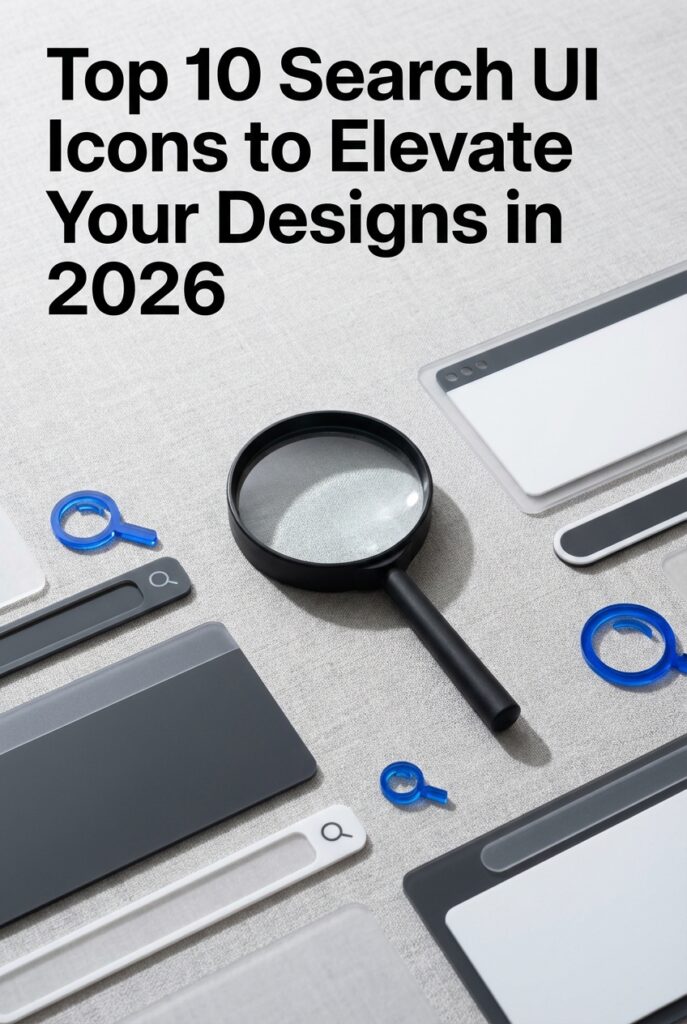
In the fast-paced digital landscape of 2026, user experience is king. The humble search icon is often the first point of interaction, making it a critical element for any website, app, or digital craft project. It’s no longer just a magnifying glass; it’s a statement of style and usability. This year’s trends lean towards clarity, minimalist aesthetics, and subtle creativity. A well-chosen search icon can guide your users seamlessly and enhance your overall design. We’ve curated a list of the 10 most popular and effective search UI icons that are defining modern interfaces right now.
Top Collection Picks (2026 Edition)
1. Home Screen Apps UI Icon Set (by rakibgraphics)
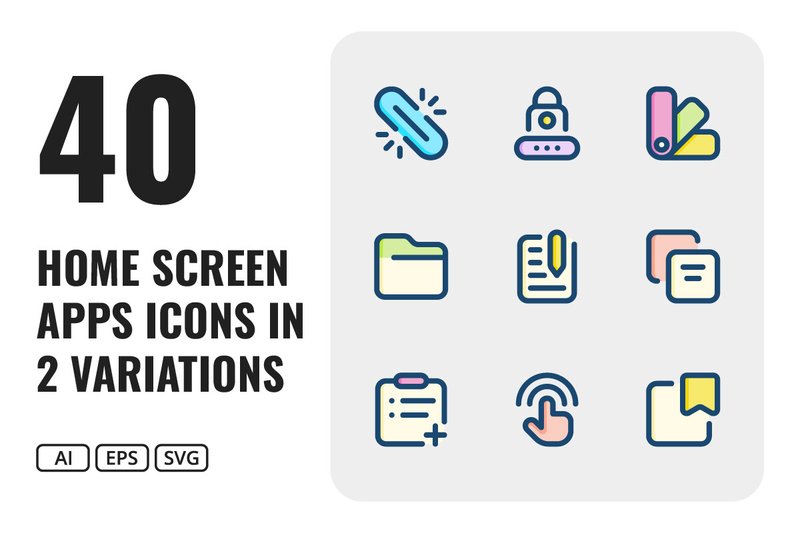
Home Screen Apps UI Icon Set (by rakibgraphics) exudes a sense of clarity and modern simplicity, making user interfaces feel immediately intuitive and friendly. This collection strikes a perfect balance between playful and professional, with clean lines and soft, rounded corners that guide the eye without overwhelming it. The dual-style approach—offering both crisp outlines and solid-filled versions—provides a versatile foundation for building a visually consistent and engaging digital experience, ensuring every tap and interaction feels both familiar and fresh.
Features:
- A comprehensive set of 40 unique icons, each available in both line and fill styles (80 icons total).
- Includes fully scalable vector files (SVG, AI, EPS) for pristine quality at any size.
- Covers essential UI categories including navigation, actions, and media controls.
- Delivered in well-organized files for a seamless design workflow.
Best for:
- Designing intuitive navigation bars and toolbars for mobile applications.
- Creating clean, user-friendly dashboards and web interfaces.
- Developing a consistent visual language across a digital product.
- Projects that require a minimalist yet vibrant and approachable aesthetic.
2. Business Ui Icon Set Vector (by riduwanmolla)
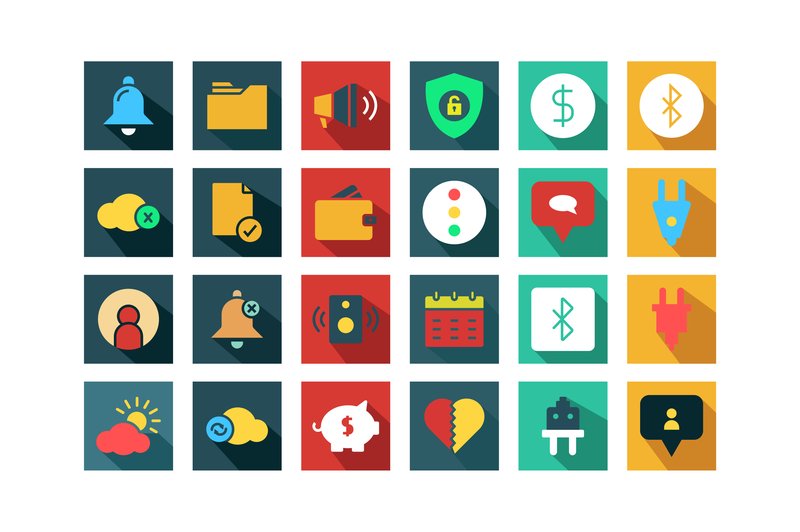
Business Ui Icon Set Vector (by riduwanmolla) If you are looking for a set of icons that exudes professionalism and clarity, this collection is your answer. These vectors bring a clean, minimalist aesthetic to any interface, striking a perfect balance between modern design trends and timeless corporate appeal. Each icon is crafted with precision, ensuring that your user interface feels both intuitive and sophisticated, making it an indispensable asset for any serious business-focused project.
Features:
- Clean and consistent line-work style for a unified, professional look.
- Fully scalable vector files (EPS, SVG) for pixel-perfect clarity at any size.
- Well-organized files make finding and implementing the right icon a breeze.
- Includes multiple file formats (PNG, JPG) for immediate use in presentations or mockups.
Best for:
- Designing intuitive interfaces for corporate websites and business applications.
- Enhancing user experience in financial dashboards and FinTech platforms.
- Creating polished slide decks, reports, and professional marketing materials.
- Building clean navigation systems for enterprise-level software and SaaS products.
3. Computer Parts Ui Icon Set Vector (by riduwanmolla)
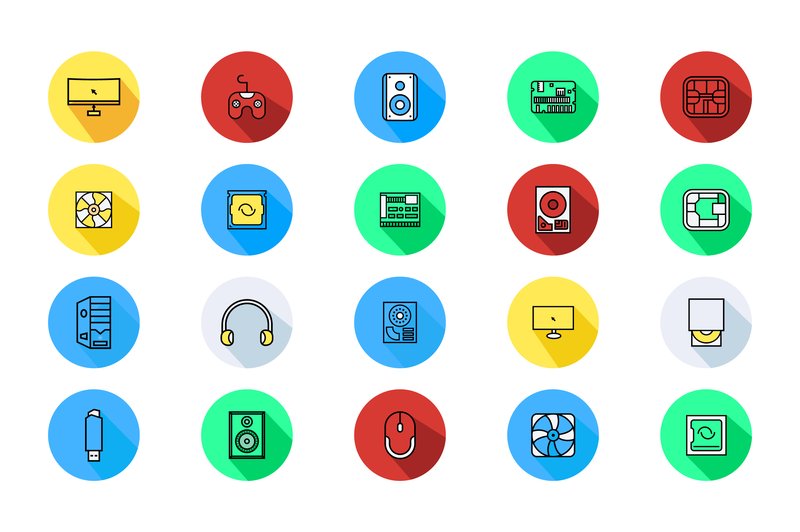
Computer Parts Ui Icon Set Vector (by riduwanmolla) feels less like a digital asset and more like the work of a master calligrapher, where every stroke is deliberate, clean, and perfectly weighted. Each icon, from the intricate CPU to the sleek silhouette of a GPU, is rendered with a minimalist precision that balances technical accuracy with aesthetic grace. This set ditches clutter for clarity, creating a sophisticated and modern visual language that makes complex hardware concepts feel intuitive and accessible in any user interface.
Features:
- Comprehensive file formats (EPS, SVG, JPG, PNG) ensure seamless integration into any workflow.
- Meticulously organized files and clean vector paths make customization effortless.
- A consistent and clean line-art style creates a cohesive and professional look across the entire set.
- Fully scalable vectors maintain perfect clarity at any size, from tiny UI elements to large-scale presentations.
Best for:
- Designing intuitive user interfaces for tech repair shops, PC building simulators, or system monitoring apps.
- Enhancing e-commerce websites and product pages that specialize in computer hardware and peripherals.
- Creating clear, professional infographics and educational materials for tech blogs or IT tutorials.
4. Smartwatch with Ui Icon Set Illustration (by aryo.hadi)
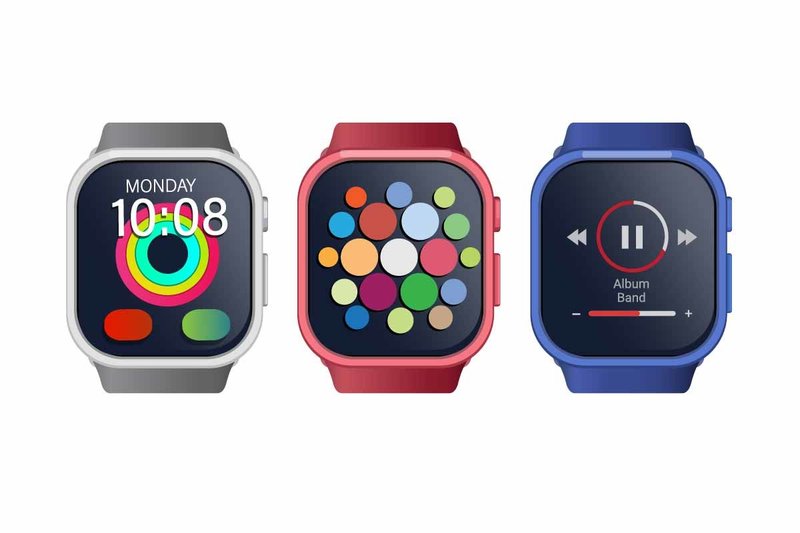
Smartwatch with Ui Icon Set Illustration (by aryo.hadi) delivers a crisp, futuristic aesthetic that feels perfectly suited for today’s tech-driven design landscape. This vector asset combines a sleek smartwatch mockup with a thoughtfully curated set of UI icons, creating a polished and cohesive visual package. The style is clean and minimal, emphasizing clarity and functionality, making it an incredibly versatile tool for illustrating concepts related to wearable tech, connectivity, and modern user interfaces. It’s less of an illustration and more of a complete visual statement about the direction of digital interaction.
Features:
- High-fidelity vector illustration of a modern smartwatch device.
- Includes a cohesive and clean set of universal UI icons.
- Fully scalable vector format ensures quality at any size.
- A professional, polished aesthetic perfect for tech-centric projects.
Best for:
- UI/UX designers creating mockups or presentations for wearable technology.
- Marketing visuals for mobile apps, smart devices, and SaaS companies.
- Editorial illustrations for articles about the future of tech and connectivity.
- Enhancing presentation slides for tech startups and digital agencies.
5. Floral UI Icon Set Elegant Line Art (by muhammadimu2322)
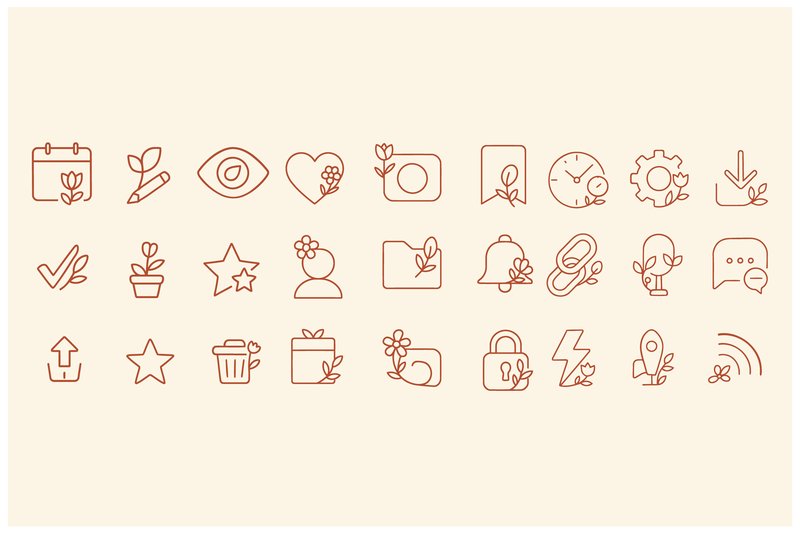
Elegant and refreshingly organic, Floral UI Icon Set Elegant Line Art (by muhammadimu2322) breathes life into standard interface elements. This collection masterfully merges the clean precision of modern UI design with the delicate charm of botanical line art. Each icon, from the familiar trash bin to the settings gear, is thoughtfully adorned with subtle floral accents, transforming functional symbols into small pieces of art that add a soft, sophisticated touch to any digital project.
Features:
- Minimalist line art style with a consistent, delicate stroke weight.
- Subtle botanical and floral flourishes thoughtfully integrated into each icon.
- A comprehensive set of essential UI symbols including settings, messages, and folders.
Best for:
- Lifestyle blogs, boutique e-commerce sites, and wellness apps.
- Creating custom Canva templates and social media branding kits.
- Designing user interfaces that require a soft, elegant, and approachable aesthetic.
6. 3d Rendering Ui Icon Set (by DesignHill1024)
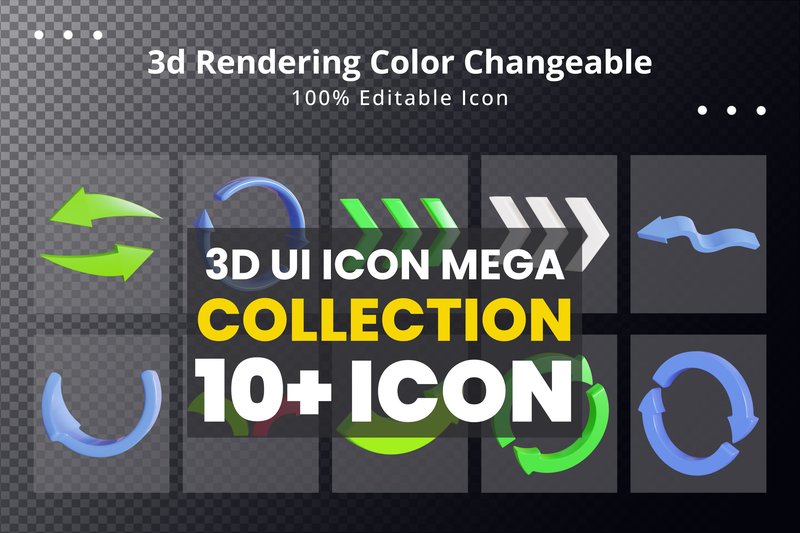
3d Rendering Ui Icon Set (by DesignHill1024) is a fresh and vibrant collection that brings a tangible, clay-like dimension to the classic search icon. With its soft shadows, smooth surfaces, and friendly aesthetic, this set moves beyond flat design to offer a more tactile and engaging user experience. The icons feel playful yet professional, making them a perfect choice for modern interfaces that aim to be both intuitive and delightful to interact with.
Features:
- A charming 3D rendered aesthetic that adds depth and a soft, modern touch to any UI.
- Fully customizable colors and well-organized layers in the included PSD file for seamless editing.
- Includes 10 high-resolution, transparent PNG files ready for immediate drag-and-drop implementation.
Best for:
- Enhancing search bars and navigation menus in contemporary mobile apps and websites.
- Adding a friendly and approachable feel to SaaS dashboards and user onboarding flows.
- Designing engaging user interfaces for e-commerce platforms and creative portfolios.
7. Gold Award Ui Icon 3d Rendering Medal (by vectbait)

Gold Award Ui Icon 3d Rendering Medal (by vectbait) is the definitive upgrade from flat, uninspired achievement markers. This 3D icon brings a tangible sense of prestige to any interface, swapping generic checkmarks for a reward that feels genuinely earned. With its realistic metallic sheen and satisfying, weighty presence, the icon projects a level of quality that immediately elevates the user experience. The clean reflections and soft lighting create a polished, professional finish, making it a perfect tool for communicating excellence, exclusivity, and success within your UI design.
Features:
- Crisp, high-resolution rendering (4500x3000px at 300 DPI) for flawless detail on any display.
- Effortless customization via cleanly organized layers and simple Smart Object replacement.
- Fully adaptable color schemes to perfectly match your brand’s unique palette.
Best for:
- Enhancing gamification elements like achievement badges and leaderboard rankings.
- Visually distinguishing premium membership tiers or loyalty program rewards.
- Marking course completions and user milestones in e-learning applications.
- Adding a touch of polished celebration to contest winner announcements or special offers.
8. 3d Website Ui Icon Set (by DesignHill1024)
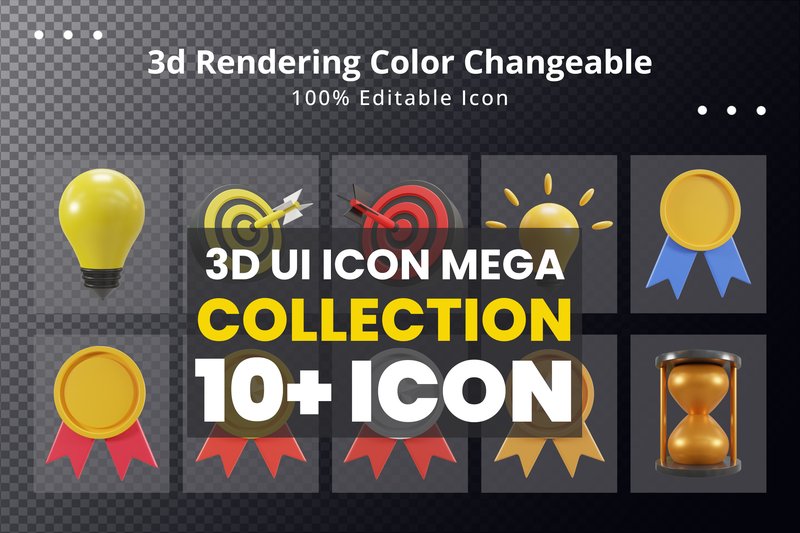
3d Website Ui Icon Set (by DesignHill1024) With its smooth, clay-like finish and friendly, rounded forms, this icon set brings a tactile and playful dimension to any digital interface. These 3D icons feel less like flat vectors and more like tangible objects, making them perfect for creating an engaging and modern user experience. The soft shadows and clean rendering give them a premium yet approachable vibe, instantly elevating website and app UIs from standard to standout.
Features:
- Playful 3D rendered style with soft, clean shadows
- Fully customizable colors to match any brand palette
- Well-organized PSD file for effortless editing
- Includes 10 high-resolution, ready-to-use PNG files
Best for:
- SaaS dashboards and tech websites aiming for a friendly, modern feel
- Mobile app interfaces, especially for onboarding and feature callouts
- Enhancing landing pages for digital products or creative agencies
- UI designs that need a touch of depth and personality to stand out
9. Modern 3D Soccer UI Icon Collection (by twinletter)
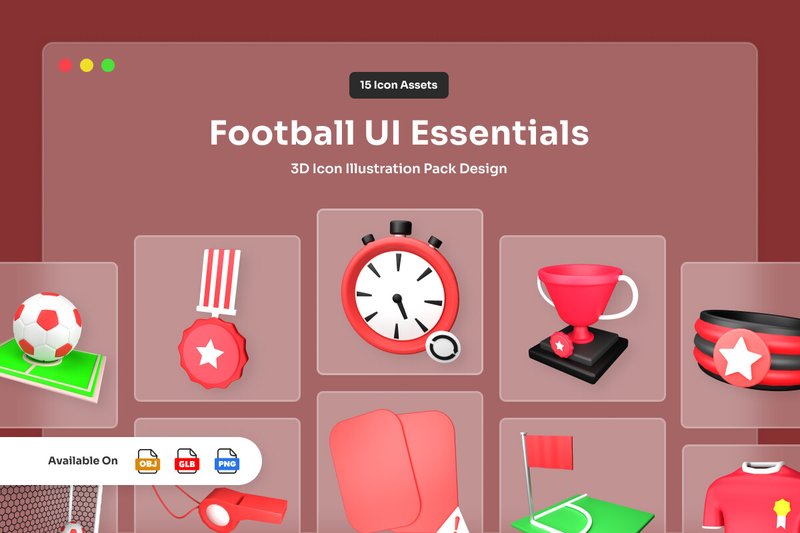
Modern 3D Soccer UI Icon Collection (by twinletter) once again showcases twinletter’s mastery of tactile, friendly 3D design. This collection moves beyond flat, generic sports icons, offering a set of beautifully rendered assets that feel both playful and premium. With their soft, clay-like textures and clean, readable shapes, these icons bring a tangible sense of quality to any digital interface, making them a perfect fit for current design trends that favor depth and dimension.
Features:
- Fully Customizable 3D Source Files: Includes Blender, OBJ, and GLB files, giving you complete control to adjust colors, lighting, and angles to perfectly match your brand aesthetic.
- High-Fidelity PNG Renders: Each of the 15 unique icons comes as a high-resolution (3000x3000px) transparent PNG, ready for immediate drag-and-drop use in any design tool.
- Soft, Tactile Aesthetic: The icons feature a distinct soft-touch texture and clean geometry, creating a modern and engaging visual style that adds depth to user interfaces.
Best for:
- Sports & Betting Apps: Elevating user interfaces for soccer scores, fantasy leagues, and real-time betting platforms with polished, intuitive visuals.
- Data Dashboards & Analytics: Adding a premium, visually engaging touch to analytics dashboards that track player stats, team performance, or game metrics.
- Onboarding & Gamification: Making user tutorials, achievement badges, and reward systems more fun and interactive in any sports-related digital product.
10. 3d Direction Arrow Ui Icon (by DesignHill1024)
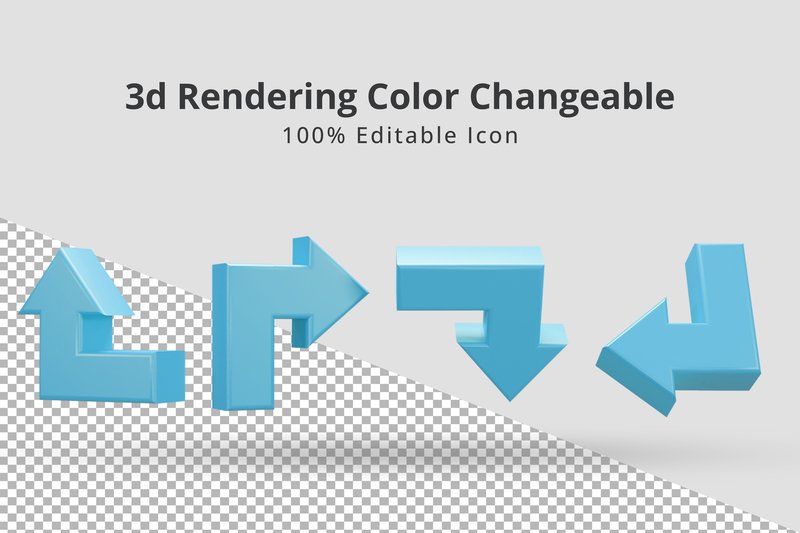
3d Direction Arrow Ui Icon (by DesignHill1024) is like that first creative spark that ignites a passionate project—it’s instantly compelling and pulls you in. This icon set doesn’t just point the way; it does so with a soft, tactile charm that feels both playful and polished. Its smooth, clay-like rendering adds a friendly, approachable dimension to any interface, transforming a simple directional cue into a delightful visual anchor that users will instinctively want to follow.
Features:
- Includes four distinct angles, offering dynamic versatility for different UI contexts.
- Fully editable and well-organized PSD file allows for deep, hassle-free customization.
- Effortless color changes to perfectly match your brand palette or interface theme.
Best for:
- Onboarding tutorials and feature walkthroughs that need a friendly, guiding hand.
- Navigation menus and paginations in mobile apps or websites with a playful, modern aesthetic.
- Enhancing call-to-action elements in e-commerce or SaaS dashboards with a tactile visual cue.
💡 Best Practices for Search Icon Placement & Interaction
A great icon is only as good as its implementation. To ensure your search function is both intuitive and effective, consider these universal usability principles:
- Placement is Key: For most Western languages (reading left-to-right), the top-right corner of the header is the most conventional and easily discoverable location for a search icon. Users are conditioned to look there first.
- Mind the Tap Target: On mobile devices, ensure the tappable area around the icon is large enough to be easily pressed without error. Apple’s Human Interface Guidelines recommend a minimum target size of 44×44 points.
- Don’t Forget States: An interactive icon should provide feedback. Define styles for its different states: default, hover (on desktop), focus (when a user tabs to it or it’s active), and pressed. This small detail significantly improves the user experience.
🛠 SVG vs. PNG: Choosing the Right Format
When it comes to UI icons, the file format you choose has a major impact on performance, scalability, and flexibility. While PNGs have their place, SVG (Scalable Vector Graphics) is the undisputed champion for modern interface design.
Here’s why you should almost always choose SVG for your search icons:
- Infinite Scalability: SVGs are based on XML code, not pixels. This means you can scale them to any size—from a tiny favicon to a massive hero display—with zero loss of quality. A PNG will become pixelated and blurry when enlarged.
- Smaller File Size: For simple shapes like icons, SVGs are often significantly smaller in file size than their PNG counterparts, leading to faster page load times.
- CSS Styling & Animation: You can directly manipulate SVGs with CSS. Change their color, stroke, or fill on hover, or apply complex animations—all without needing to create separate image files. This is impossible with a static PNG.
- Accessibility: SVGs can contain text-based elements like
<title>and<desc>tags, which can be read by screen readers to improve accessibility for visually impaired users.
📜 The Origin Story: Why a Magnifying Glass?
Ever wondered why a magnifying glass became the universal symbol for “search”? Its adoption is a perfect example of skeuomorphism—a design concept where digital objects mimic their real-world counterparts. The magnifying glass has long been associated with investigation, discovery, and looking closer. Early graphical user interface (GUI) designers, like those at Apple for the Lisa and Macintosh systems in the 1980s, leveraged this existing mental model. By using a familiar object, they made the abstract concept of a digital search function immediately understandable to new computer users. Its intuitive nature has made it one of the most enduring and recognizable icons in the digital world.
🚀 Beyond the Header: Creative Search Implementations
While the header is the most common home for a search icon, don’t limit its potential! Placing a search function in an unexpected yet logical context can delight users and improve usability. Consider these ideas for your next project:
- On a 404 “Not Found” Page: Instead of just a dead end, make your 404 page a helpful starting point. A prominent search bar or icon with text like “Looking for something?” can quickly get users back on track.
- As a Primary Call-to-Action (CTA): On a content-heavy homepage (like a blog, a knowledge base, or an e-commerce store), make search the main event. A large, beautifully designed search field can serve as the primary CTA, inviting users to dive right in.
- Within Data Visualizations: For complex charts, maps, or dashboards, embed a small search icon to allow users to filter the data set or find specific points of interest without leaving the visualization.
👀 Didn’t find what you were looking for?
There are hundreds more cool options in the full collection for your project.
Conclusion
Choosing the right search icon is a small detail that makes a big impact. Any of these 2026 top picks can provide the perfect finishing touch to your project, ensuring your design is not only beautiful but also intuitive and user-friendly. Find the one that best reflects your brand’s voice!